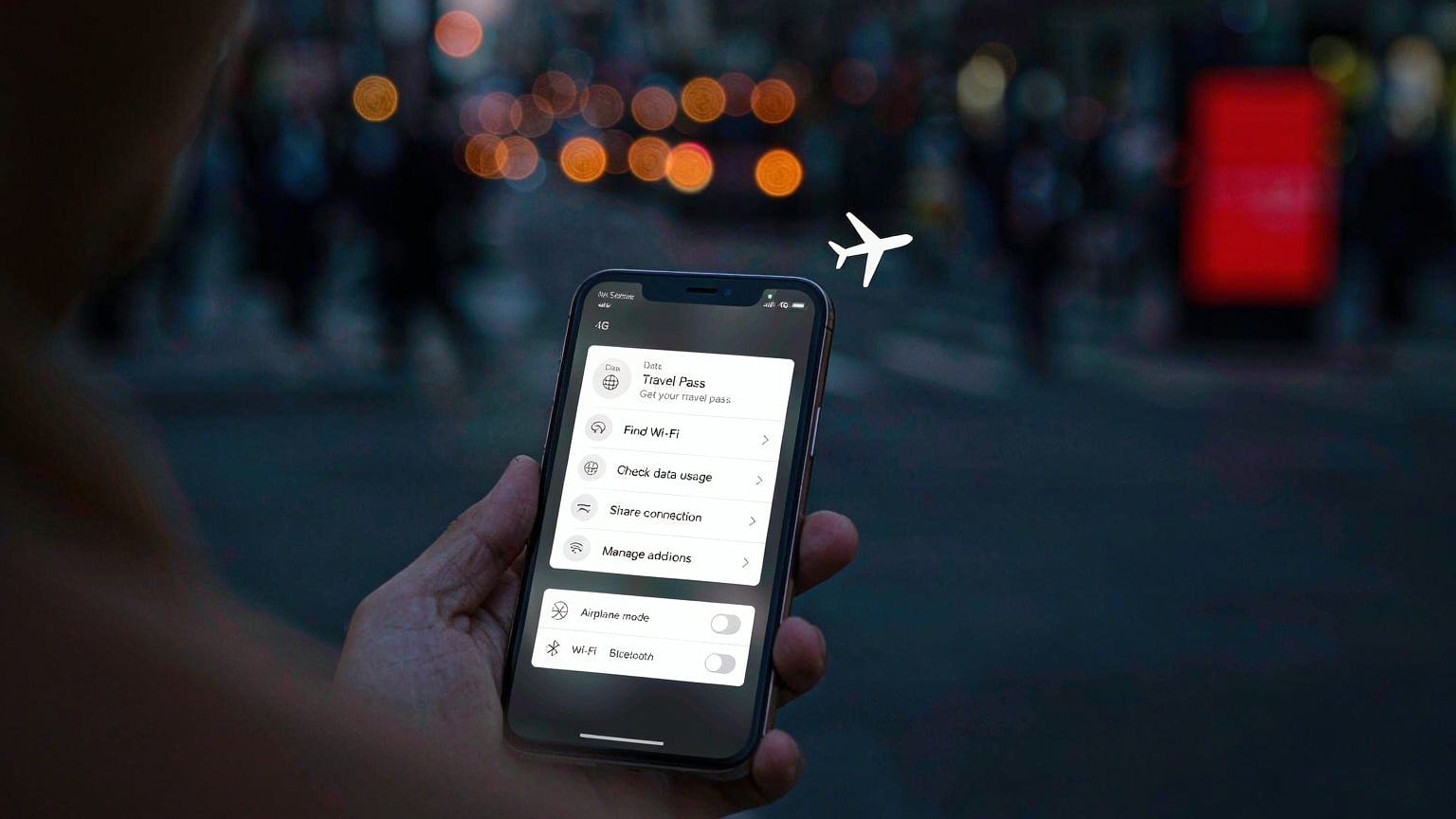
Staying Connected in China: eSIMs, VPNs & the Apps You Actually Need
What is blocked in China, why an international travel eSIM sidesteps the Great Firewall, and the exact apps to install before your flight.

Connectivity is the single most surprising part of China travel for first-timers: the internet you land into is not the internet you left. Here is the practical playbook — what is blocked, the three ways to stay online, and the apps to install before takeoff.
The Great Firewall, in 60 seconds
On mainland networks these are blocked or unreliable: Google (Gmail, Maps, Drive, YouTube), WhatsApp, Instagram, Facebook, Messenger, X, Telegram, Netflix/YouTube streaming, and many Western news outlets. iMessage/SMS generally pass through; iCloud and Office 365 have China-hosted components.
The natives are not offline — they use WeChat instead of WhatsApp, Amap/Baidu Maps instead of Google Maps, Alipay/WeChat Pay instead of cards, and Didi instead of Uber.
Option 1 (recommended): international travel eSIM
Buy a China-data eSIM from a travel provider (Airalo, Holafly, Nomad, or your home carrier’s roaming add-on) before you fly:
- Installed at home, activates on landing — zero airport hassle.
- Traffic exits through your home carrier, so Google, WhatsApp and everything else work with no VPN.
- Costs run roughly $1.50–3 per GB, and the mainstream providers cluster around $17–27 for 10 GB over 30 days (cheapest we could price in late 2026 was about $16; dearest for the same 10 GB was around $27). Per-GB pricing falls steeply with size — a 1 GB plan costs more per GB than a 20 GB one. Most trips need 5–10 GB.
- None of them gives you a Chinese phone number. Since every mainland SIM must be tied to a verified identity in person, no foreign-facing eSIM can issue a +86 number. Plan around that — register Alipay and WeChat Pay on your home number before you fly.
- Receiving SMS on your home number usually still works (check with your carrier) — which you need for Alipay/WeChat verification codes.
Option 2: local SIM card
For stays over two weeks, a local SIM is cheapest (China Mobile/Unicom/Telecom, ¥50–150/month packages):
- Purchase requires passport registration at an official carrier store (not convenience stores).
- Local data sits behind the firewall — you would need a VPN for blocked services.
- Your number becomes useful for local reservations and deliveries.
Option 3: home-carrier roaming
Most major carriers (AT&T, Verizon, Vodafone, etc.) offer China roaming packs. Like eSIMs, roamed traffic is not filtered — convenient but typically pricier than a travel eSIM. Enable before departure and set a spending cap.
Hotel Wi-Fi
Free in virtually all hotels, but it is filtered like any local connection. Business hotels sometimes offer “international network” tiers. Your eSIM covers the gap.
Install before you fly — the checklist
| App | Why |
|---|---|
| Alipay + WeChat | Payments, mini programs, messaging |
| Amap (高德地图) | Best maps app, now has English interface; live transit + Didi integration |
| Didi (滴滴) | Ride-hailing; works inside Alipay/WeChat too |
| Trip.com | English booking for trains, hotels, attraction tickets |
| Pleco / Google Translate offline pack | Menu and sign translation (camera mode) |
| Your eSIM provider’s app | Manage data packs mid-trip |
Quick answers
- Maps: Apple Maps works in China (AutoNavi data, no VPN needed); Google Maps does not load — download offline areas before arrival or use Amap.
- VPNs: if you bring one, install and configure before landing (VPN sites are blocked inside China). For ordinary travel use, enforcement targets providers, not tourists — but connections are unreliable and this is not legal advice. What tends to work, and what to do when it stops, is covered in the VPN and blocked apps guide.
- Power: plugs are Type A/C/I, 220 V — most laptop/phone chargers are fine with a ¥10 adapter.
- Streaming on the go: hotels + eSIM will cover you; do not plan to rely on public Wi-Fi.
With payments and connectivity handled, the last pre-flight setup is transport — start with the high-speed rail guide.
Frequently asked questions
Is using a VPN illegal in China?
The legal picture is nuanced: only government-authorized VPN services are formally legal, and unauthorized commercial VPNs operate in a grey zone. Foreign visitors using a VPN for ordinary personal use are not targeted in practice, but the tool may or may not connect on a given day. An international eSIM/roaming plan avoids the issue entirely because your traffic exits through your home carrier.
Will my Gmail and WhatsApp work in China?
Not on local networks — Google services (Gmail, Maps, YouTube), WhatsApp, Instagram, Facebook, X and many news sites are blocked. They work normally on an international eSIM/roaming connection, or on hotel Wi-Fi if you use a VPN.
eSIM or local SIM card?
eSIM (international travel data) is the traveler favorite: buy online before the trip, install at home, land and it just works — including Google and WhatsApp with no VPN. A local SIM from China Mobile/Unicom/Telecom is cheaper for long stays but sits behind the firewall and requires passport registration at a carrier store.
Do I need a VPN at all if I have an eSIM?
Usually no. eSIM traffic routes through your foreign carrier and is not filtered. Keep a VPN only as backup for hotel Wi-Fi days.